I’ve been meaning to redo my main website to just be a simple list of links without all the bloat of wordpress behind it, and while I’ve looked at static site generators, all of them, every single one, make me feel like I’m being thrown into the deep end for something that should be simple.
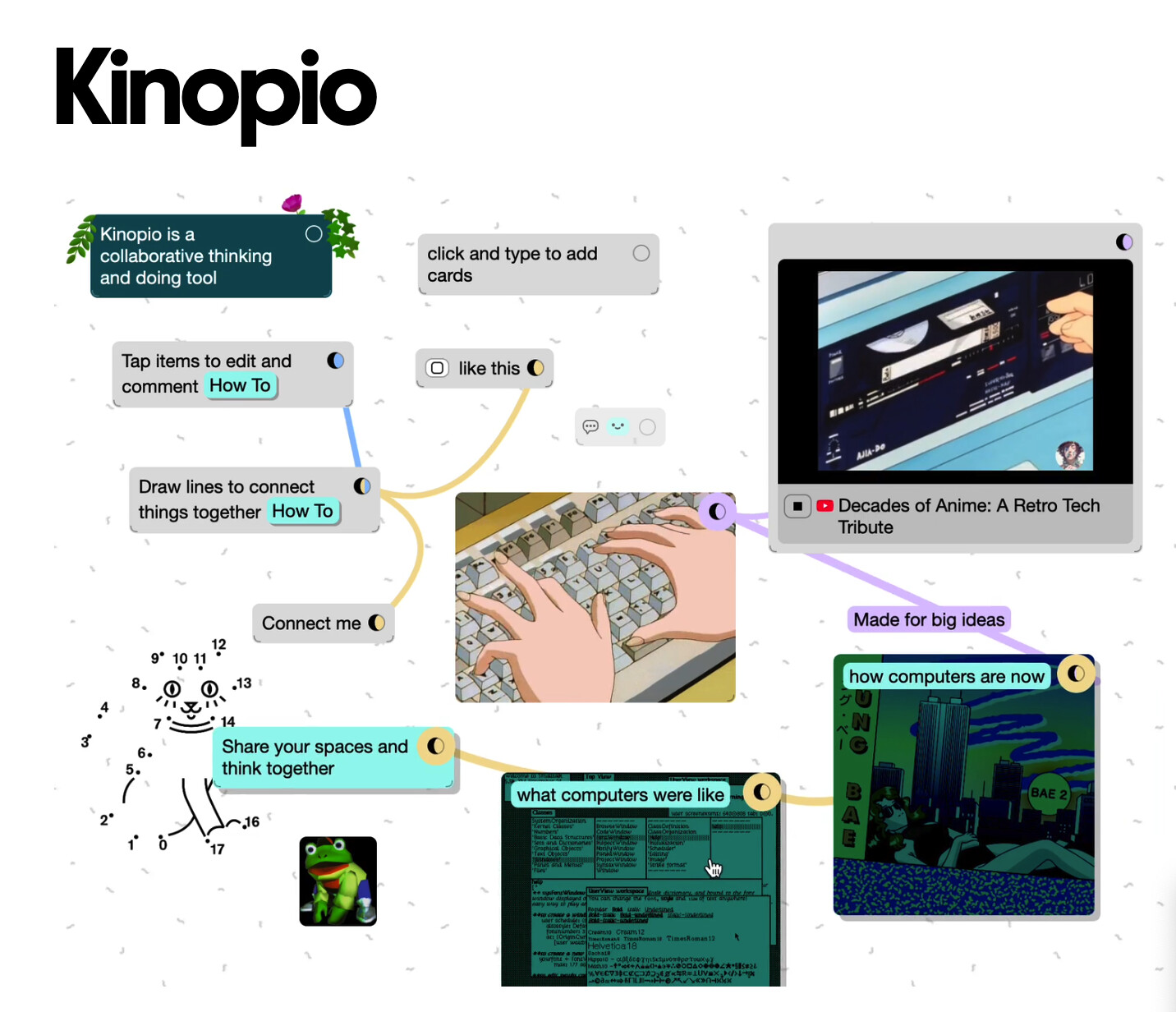
Enter Wobble Web.
What you see is what you get, lots of silly effects, click and drag web design. I look forward to making something silly with this soon.
Free online OCR is how I grab quotes and notes from the Kindle web reader, since they have stupid DRM, so I just get a screengrab and feed it into OCR.
I don’t have a specific tool to share for this. I sympathize with wishing there were better options for static site generators. Every time I start searching for something new, I end up wasting an evening or two trying to learn something before giving up and just using WordPress.
But, for a simple site with a list of links I’d like to share a bold statement: YOU CAN USE NOTEPAD FOR THAT
Notepad still works wonders for a simple static HTML + CSS website. If you want to really be a rebel, you could even put the CSS in the of your HTML document and make the whole thing one file.
I’m in the middle of a project where I try to replace every software that I think do Crimes, like putting gen AI features in my face all the time. It’s going moderately well! Here’s the stuff I have replaced:
Adobe Photoshop: Krita, Clip Studio (this one has AI features but is not as obnoxious about it as adobe and actually has a better featureset for my needs), Photopea, Procreate on Ipad
Notion/Miro: Obsidian with Syncthing for collaborative stuff
3dsmax/Maya: Blender, this is just the sensible choice at this point unless you do really specific stuff
Gmail: Protonmail (this move isn’t done yet but at least I’ve tried!)
Adobe premiere: davinci resolve
Unreal/Unity: Godot or just writing shit in three.js. Unreal can be hard to replace depending on what you do and I don’t have that many issues with the engine itself, I just don’t personally like epics monopolizing behavior combined with encouraging gen AI on a creative marketplace. bleh. I still use the Big Two when people pay me but on my free time I am freeeeee
Huey - Rapid color palettes across the rainbow. Huey is great for instantly generating color palettes for use with CSS variables, SCSS, and JavaScript, and exports markup for Tailwind, Bootstrap, and PostCSS frameworks.
The Noun Project - Free Icons and Stock Photos For Everything
OpenMoji - Open source emojis for designers, developers and everyone else!
Duotone - Find beautiful free duotone images to use in any project, or make custom duotone images by uploading your own image and applying a duotone effect in seconds.
oklch.fyi - Create perceptually uniform color palettes, generate smooth gradients, and explore the OKLCH color space.
Mutant Standard - An experimental emoji set with new twists.
Wordmark - helps you choose fonts for your creative projects (free or paid)
Super Color Palette - 100% Free Color Palette Generator
Aspect Ratio Calculator - Aspect ratio calculator allows you to quickly resize your files to fit in a designated area.
SVG Flag Icons - Explore over 200 optimized SVG country flag icons — Perfectly crafted on a 32px grid
macSVG - An open-source macOS app for designing HTML5 SVG (Scalable Vector Graphics) art and animation
I’ve tried my best to vet them for generative AI but if any of them use it, please let me know and I’ll remove it from the list.
YAL's Pixel Font Converter!
lets you make .TTF (TrueTypeFont) files out of pixel art (I’ve primarily used it in gamedev, v useful)
https://thebookofshaders.com/
very nice reference for shader stuff! contains a lot of how-to’s and examples, and it even lets you write shader code right in the browser
extreme synthesizer nerd shit here: https://dsp56300.wordpress.com/ emulator vsts for digital synthesizers which used the motorola dsp56300 dsp chip (eg access virus series, waldorf microQ, nord modular). very cpu hungry, & requires a copy of the firmware for each synth, but also you are literally loading the actual firmware for the actual synthesizer, thus getting the exact same sound+functions (DAC aside)
I’ve been a big fan of Affinity Studio for many years. Yesterday, they released a major update and made the core application free. It’s a really great alternative to paying for Adobe.
I will note that this change comes after the company was acquired by Canva, and they do require a Canva account to activate the software. I recommend checking the Canva account settings to disable any data/privacy features the spook you.
Last, there are new AI features in Affinity locked behind a paid Canva account - which I suspect is a turn off to most of us. They don’t pester you about it; it’s much less obtrusive than Adobe’s AI crap - but worth noting nonetheless.