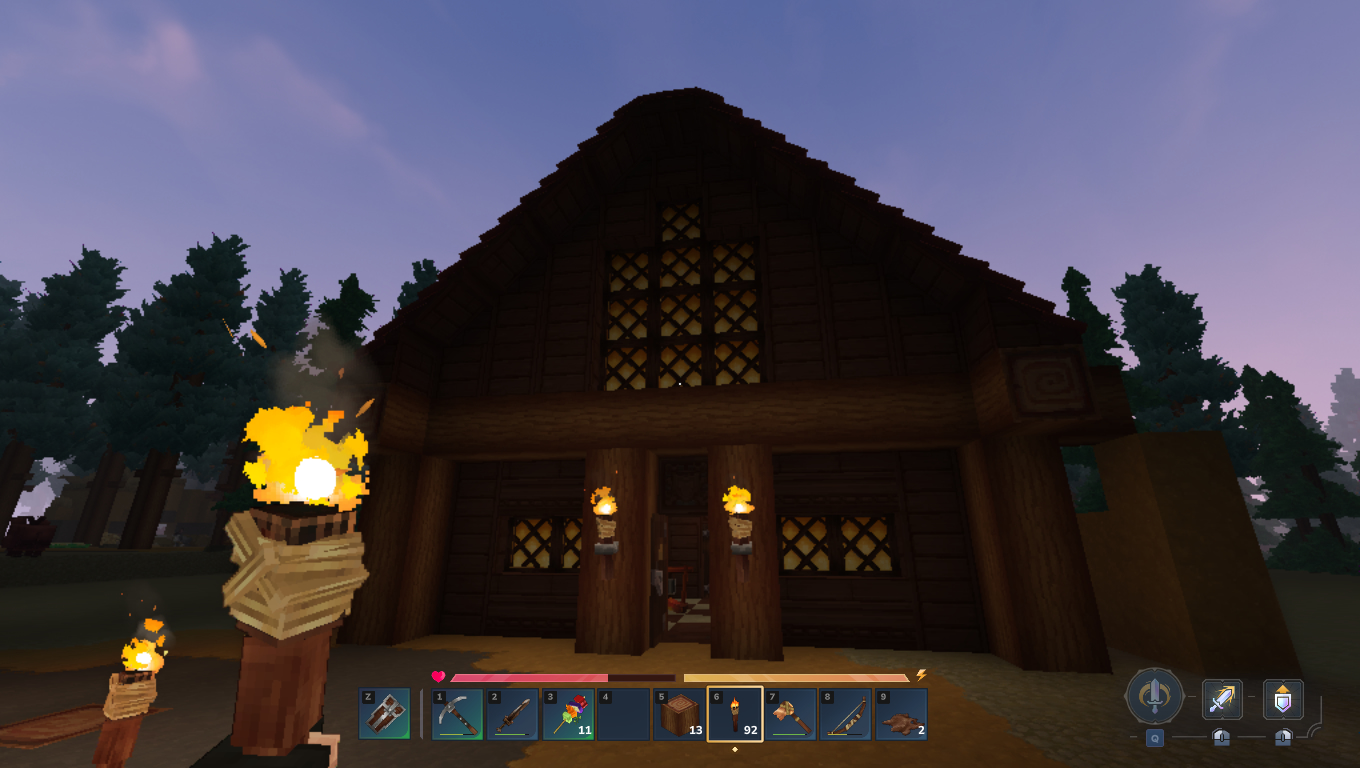
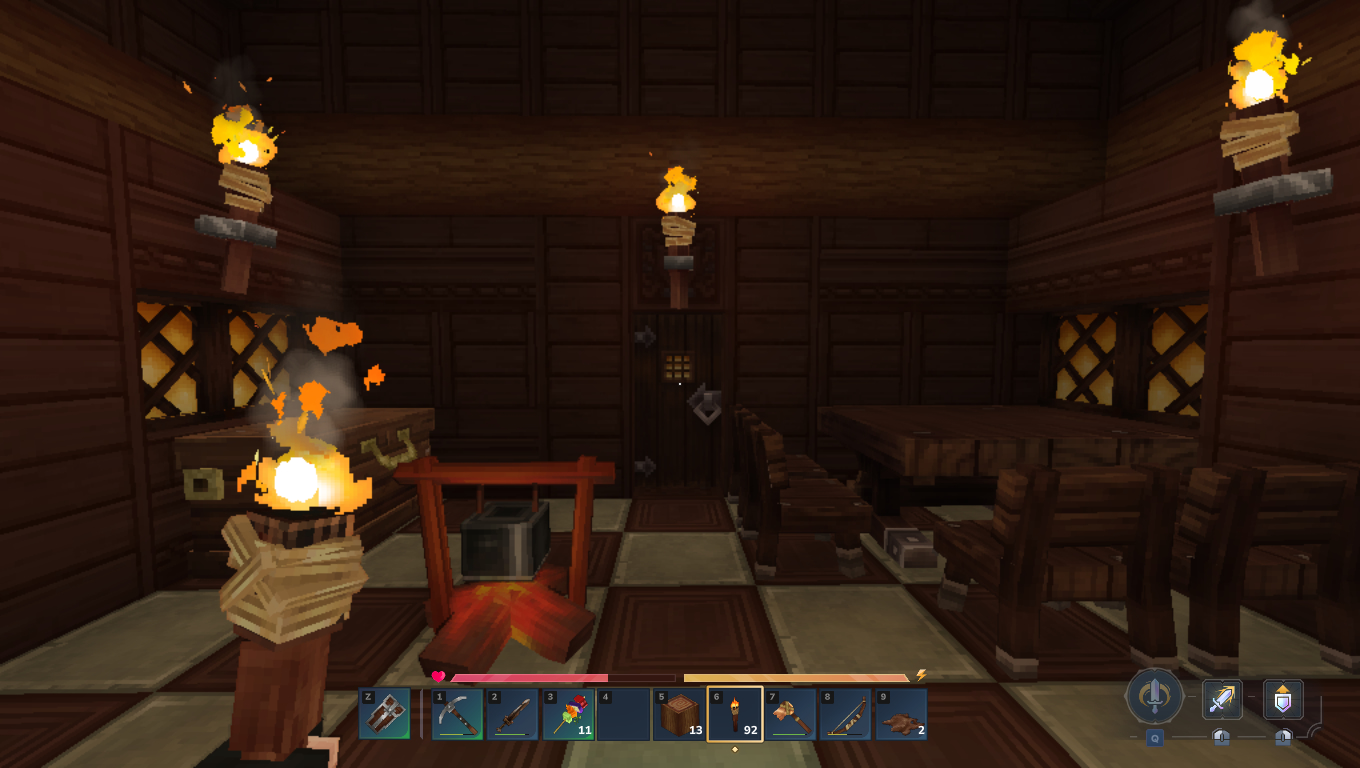
some pretext maybe because this topic is handled a lot different between various communities as I learned. So I grew up on terrible hardware forums where of course graphics and image quality was The Thing which by now spawned a whole subculture of screenshottakers and people even developing tools serving that purpose alone.
However I also seen this later on just posting fun shit from games, and I am very much a fan of that as well. So even if Im starting this more from my own history as someone who simply loves computer graphics, feel free to post fun shit, old ass games, whatever really. Feel free to write something about it too.
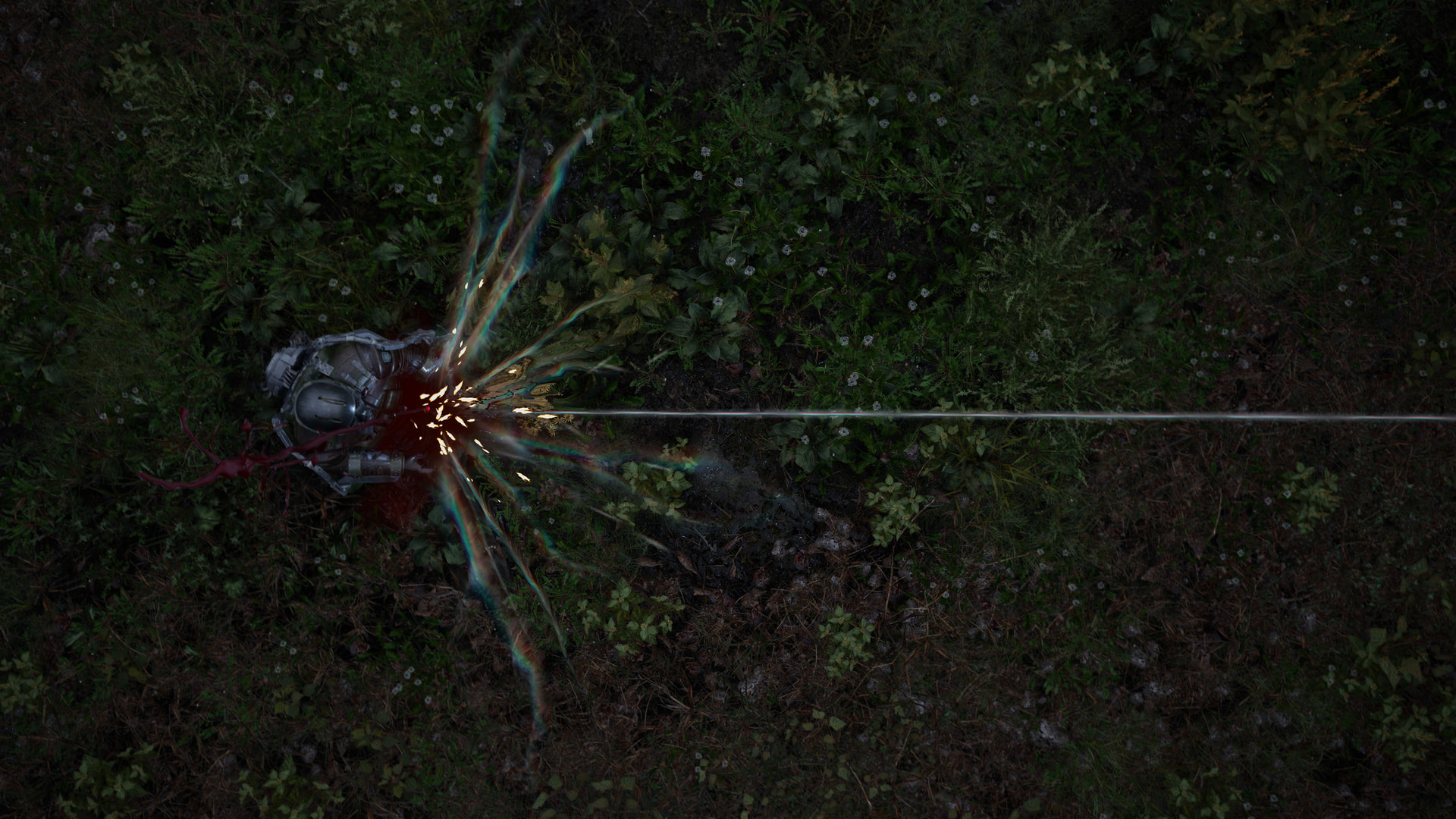
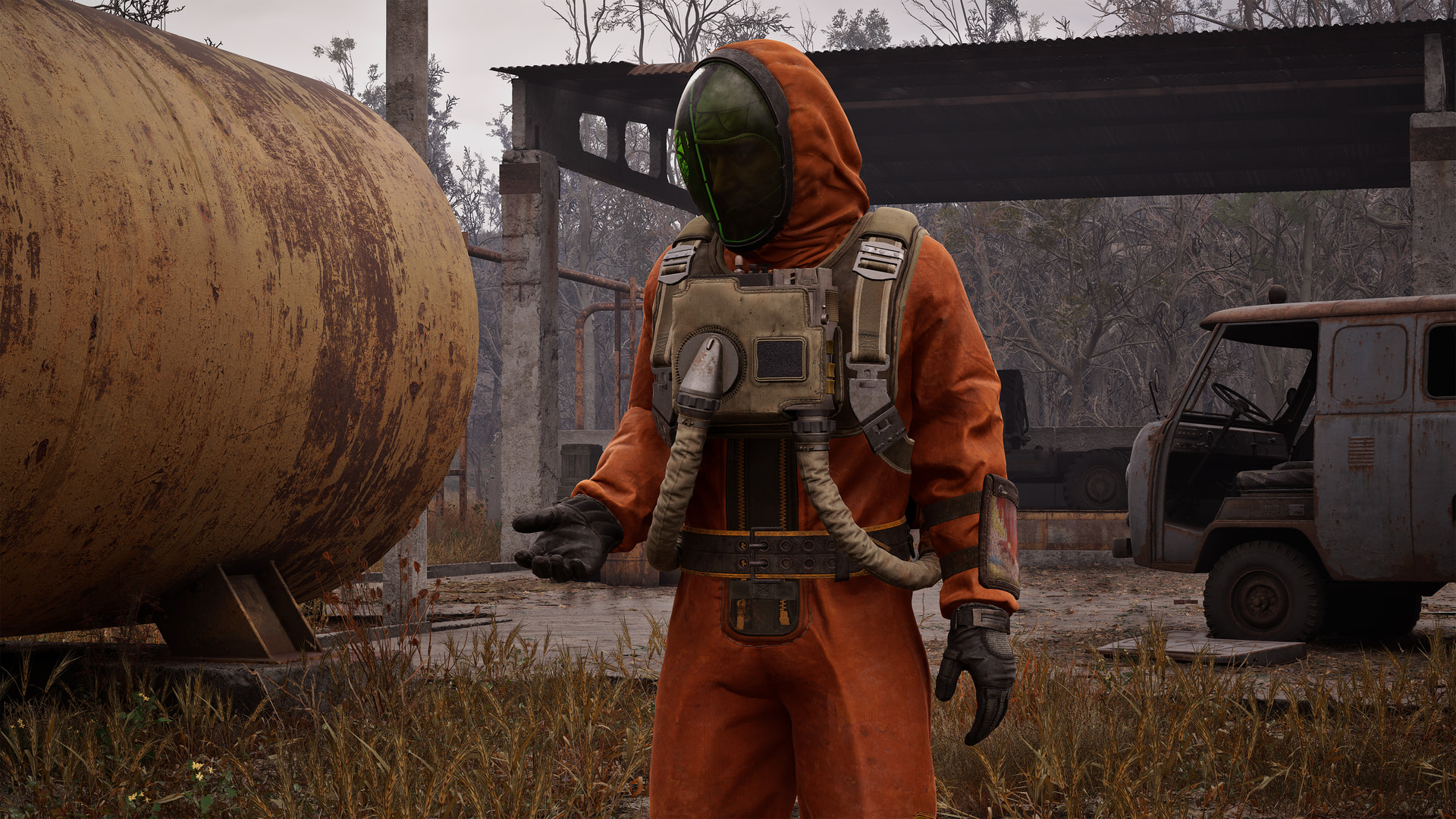
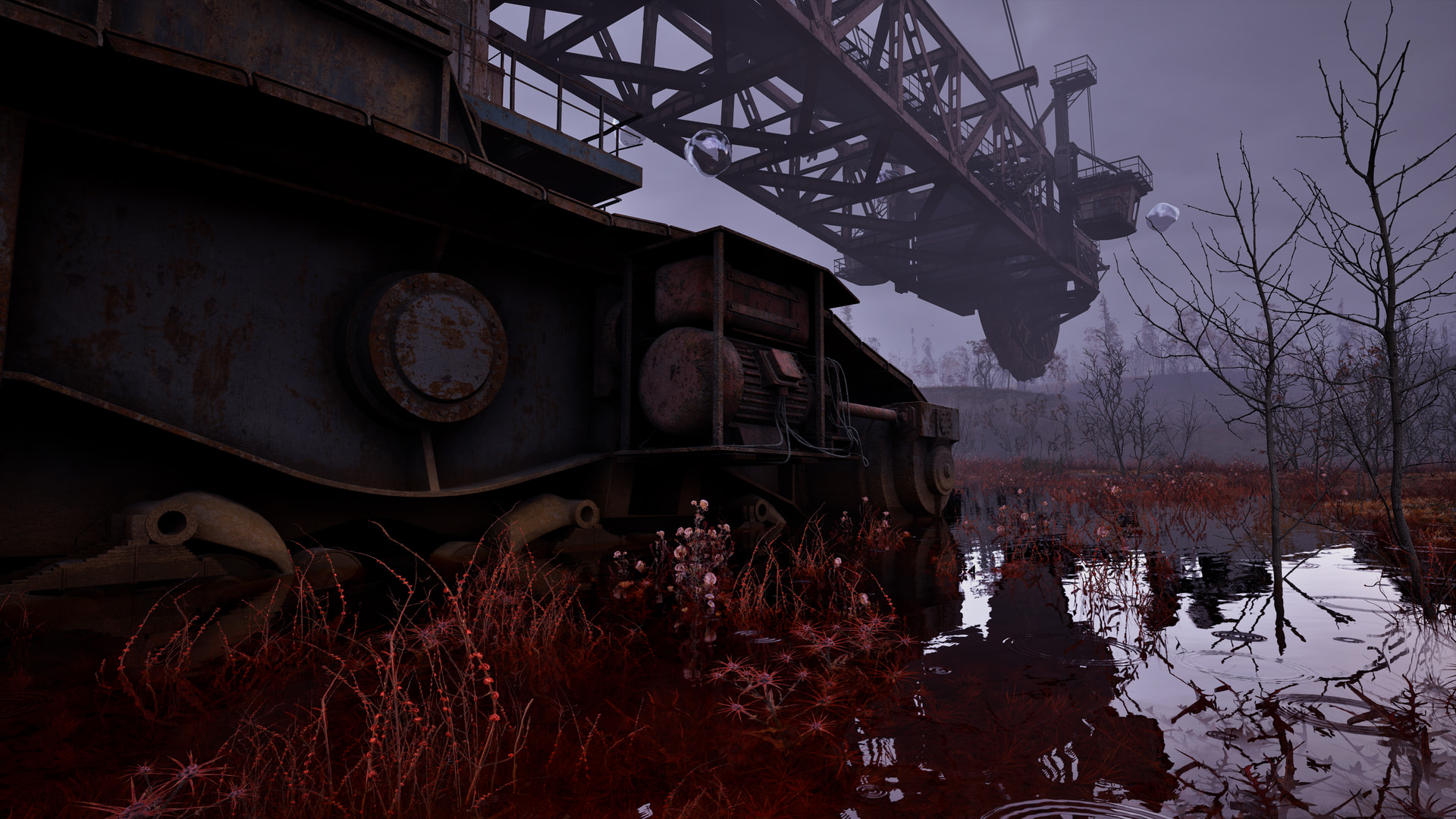
Some STALKER 2 pics, think it was max. settings/4k (idk what image compression does here rn) - just visual impressions from the world.
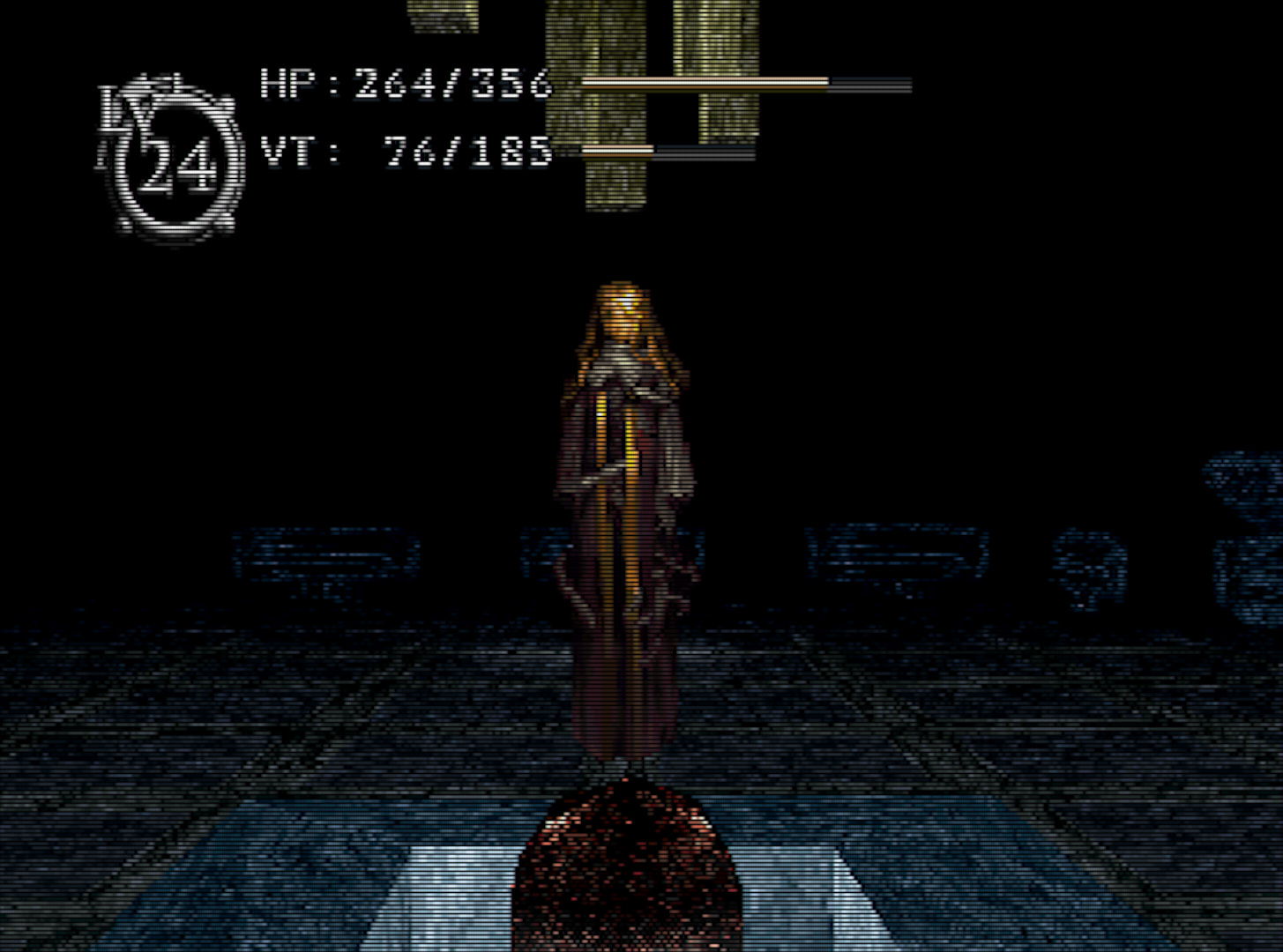
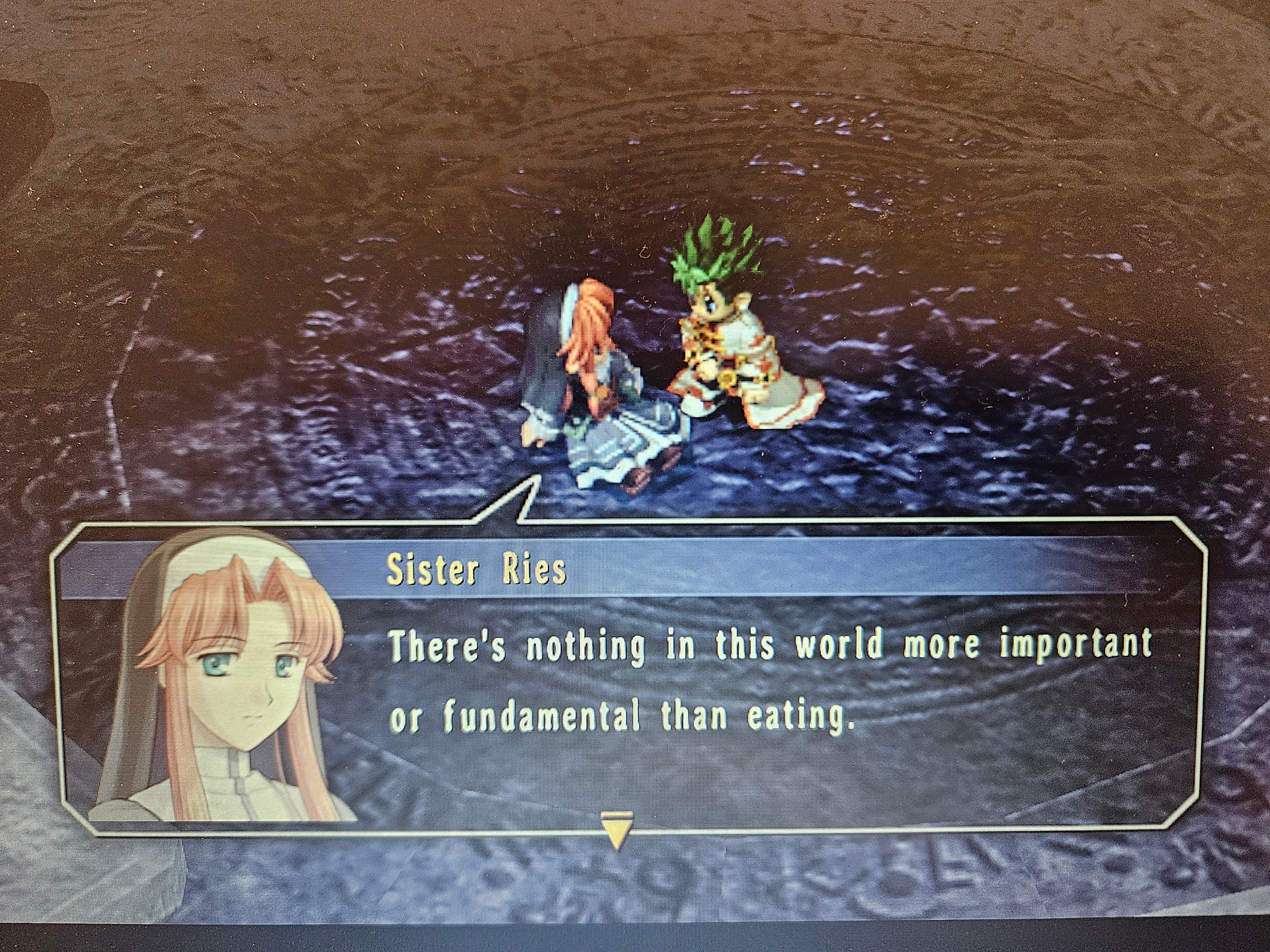
Kind of the exact opposite of high quality, I love this shot of Eliza from the Sega Saturn version of Baroque with the crt-hyllian shader applied. Hovering there with her featureless face as the surroundings fade to an ominous black. The chunky, low-res aesthetic really sells the whole vibe. Bonus: listen to the OST, https://www.youtube.com/watch?v=Hy1IP4C-MTk&list=PLfhw8A1mg64H1MVWcSPocp6qaaQoiOAJo&index=4
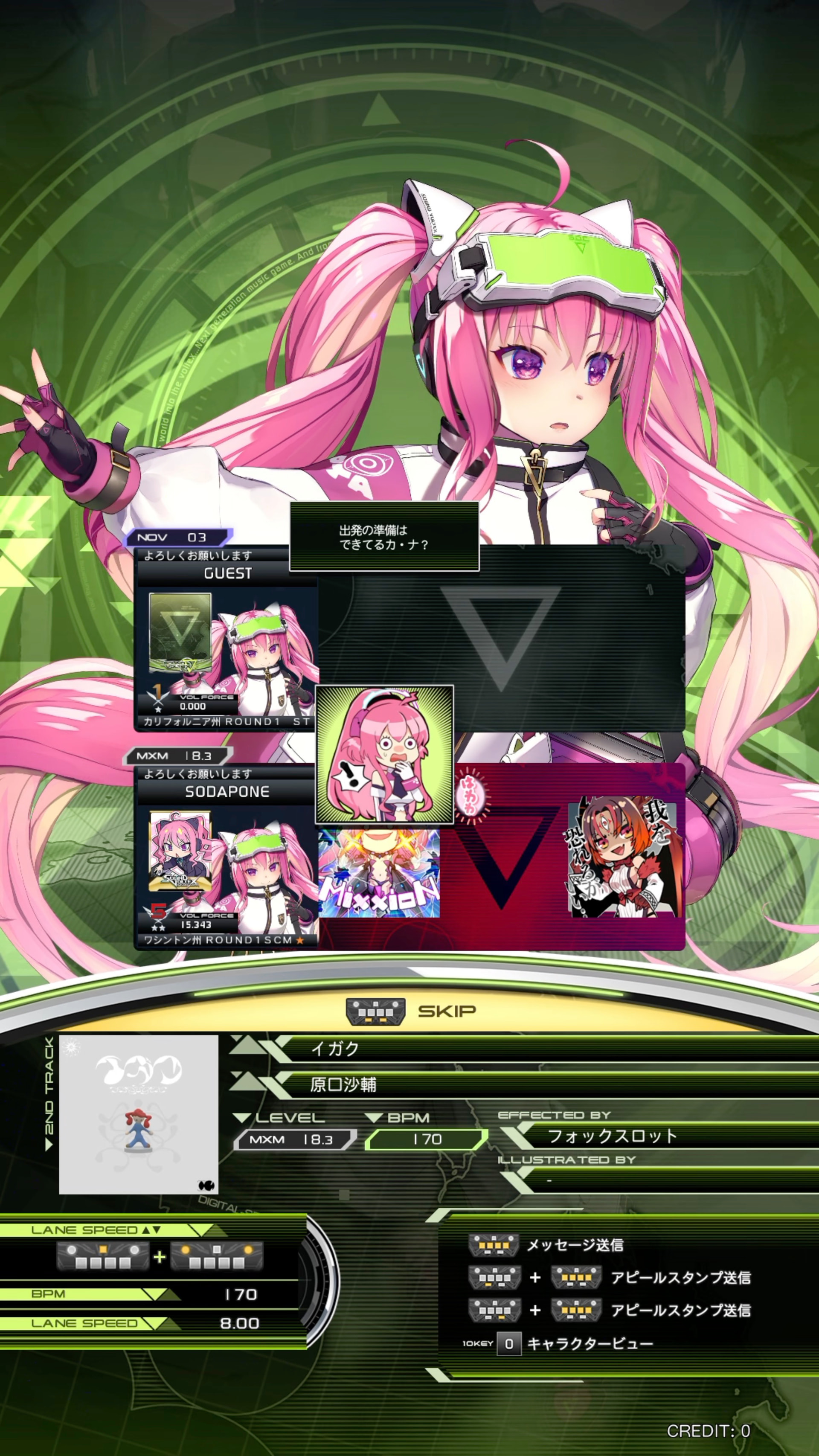
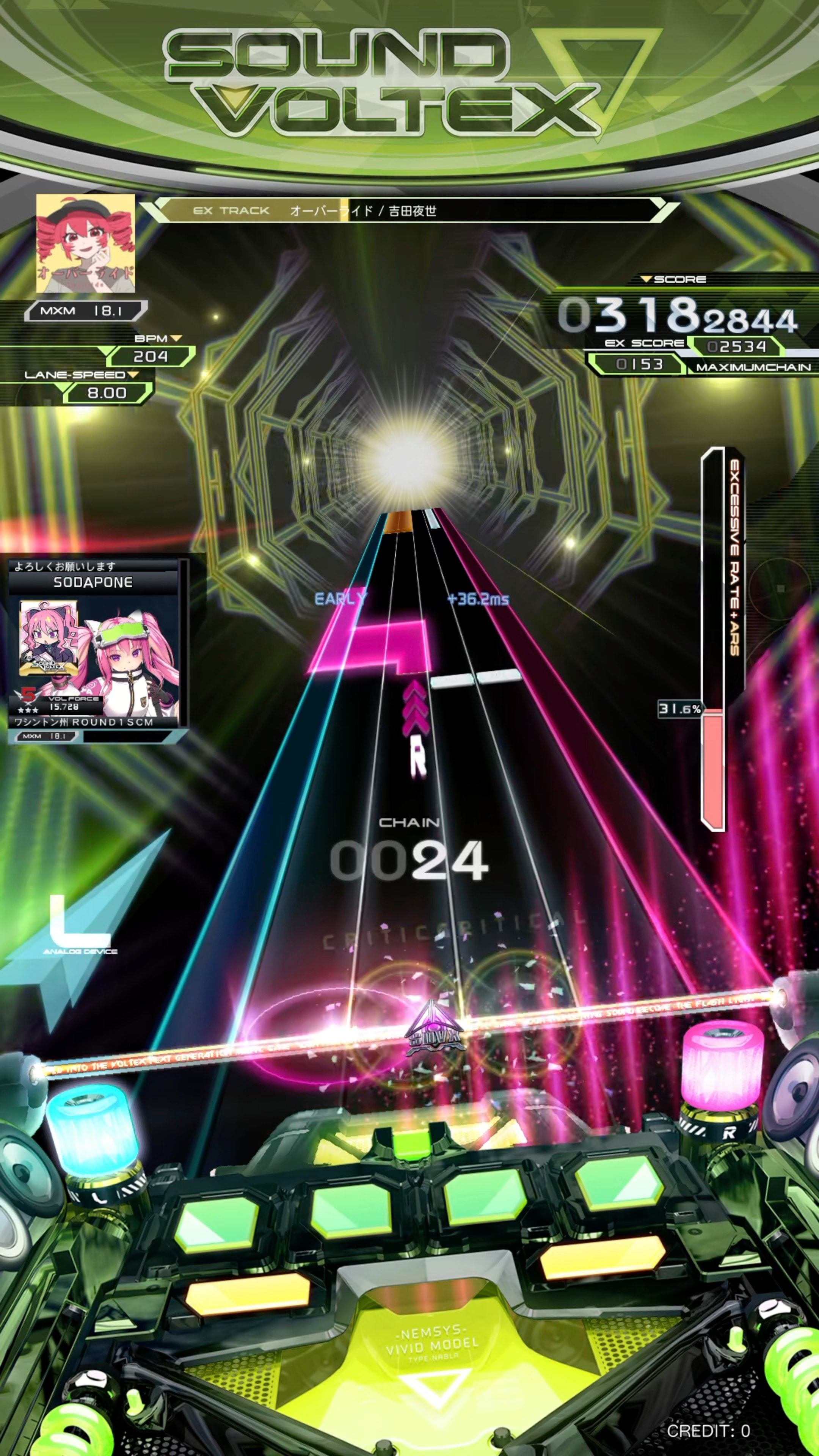
I went to a Round1 in Seattle the other day, and it turns out one of their Sound Voltex cabinets has a capture card.
This is more about the GUI since it’s a rhythm game, but god, I love Sound Voltex Nabla’s GUI design. It’s so gloriously Y2K with its green and white colours, circular shapes, maximalist rendering, and blocky fonts. Even its menu music reminds me of 2000’s EDM. With this being the first new SDVX entry in nearly five years too, it makes it feel all the more refreshing.
@AlienBob is there an option to implement automatic thumbnail/preview? I’d love if one could post originals since image quality is a thing but that doesnt go well with bandwith/overall performance ime
Edit: Okay so I can’t find out why files are shrunk down to 1080p in the settings anywhere so that’ll require further research. Files are compressed before upload anyway, so either way if you want highest quality images remote hosting is the best option.
Now, I can’t have it work automatically, but if you upload the image to the forum but then make the image a link to the full quality image, that overrides the lightbox and lets the forum load normally.
Thanks! Yes uploading and then linking is the manual option, guess what I was asking was for the forum to offer an automated way to create a preview thumbnail from the original source. Dont know if thats feasible but Ive seen it for some vbulletin boards in the past.
Just noticed this hoster also has his own preview thumb option so I guess I just use that