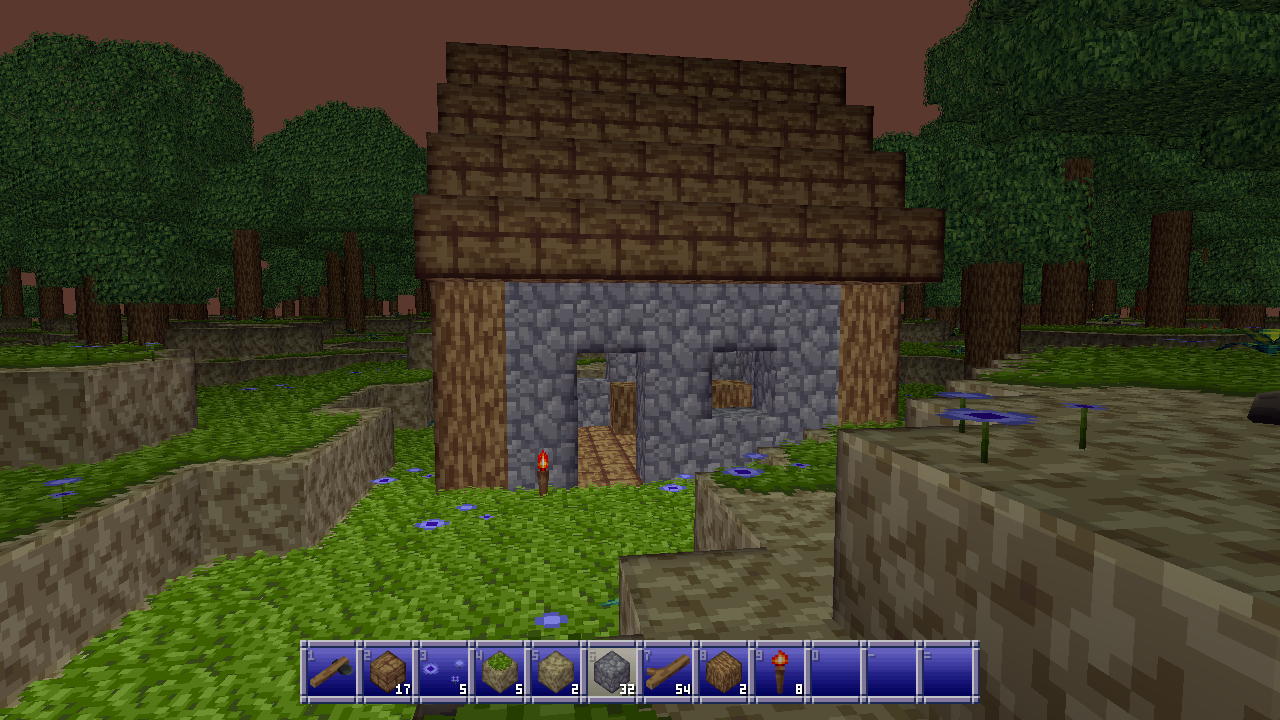
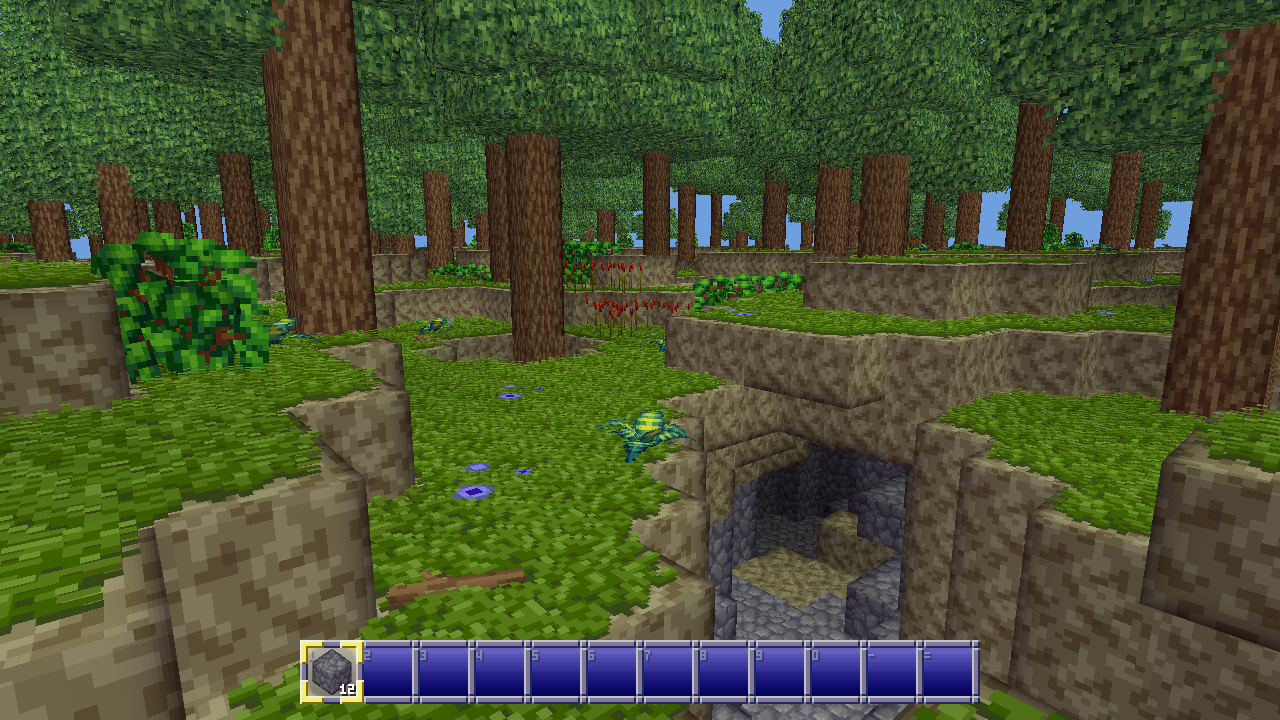
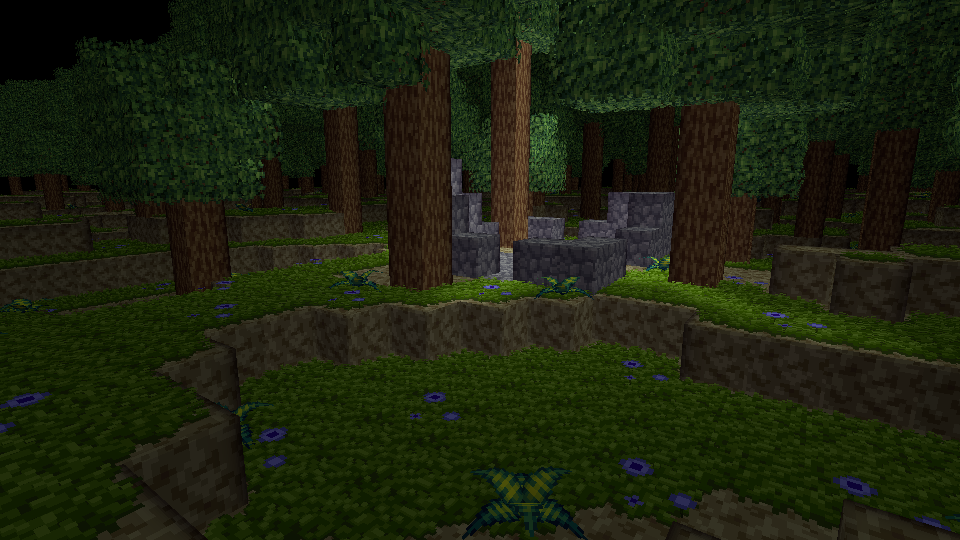
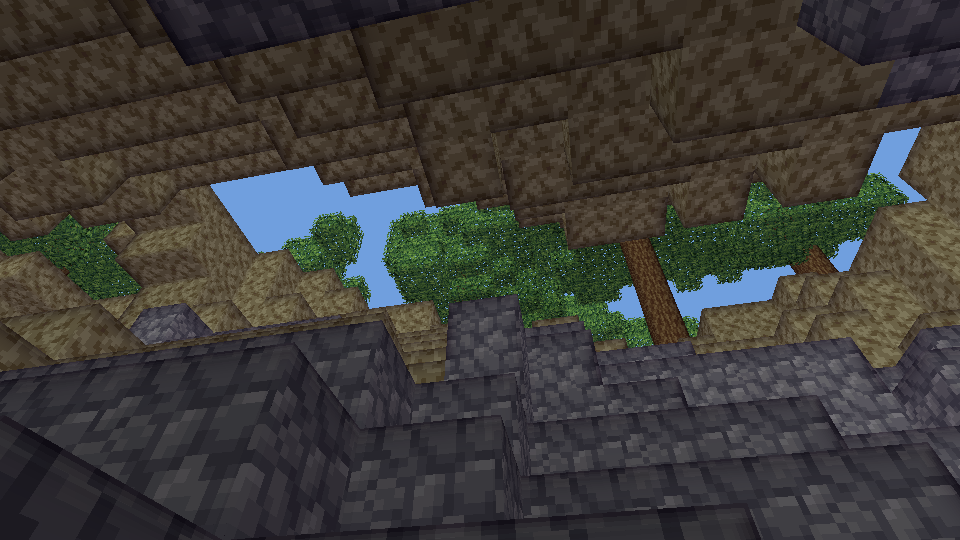
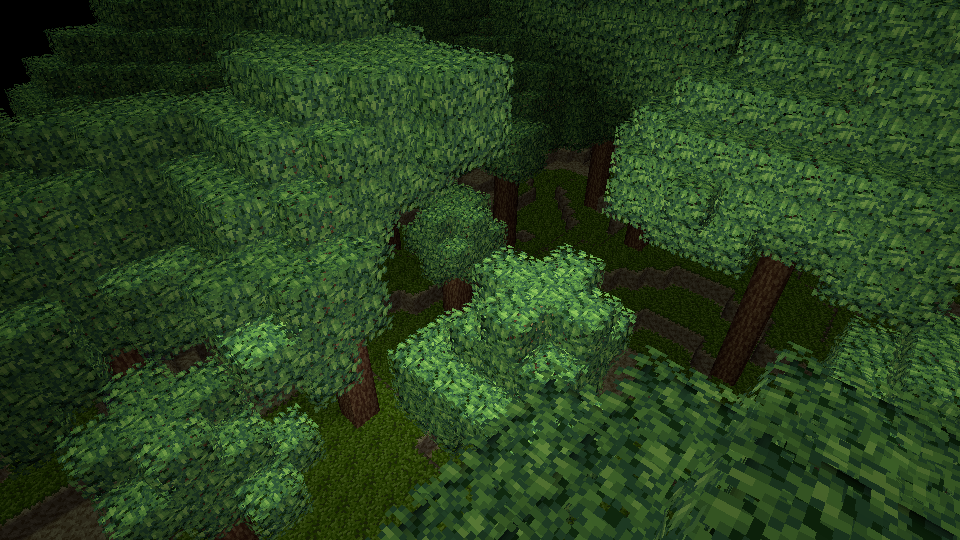
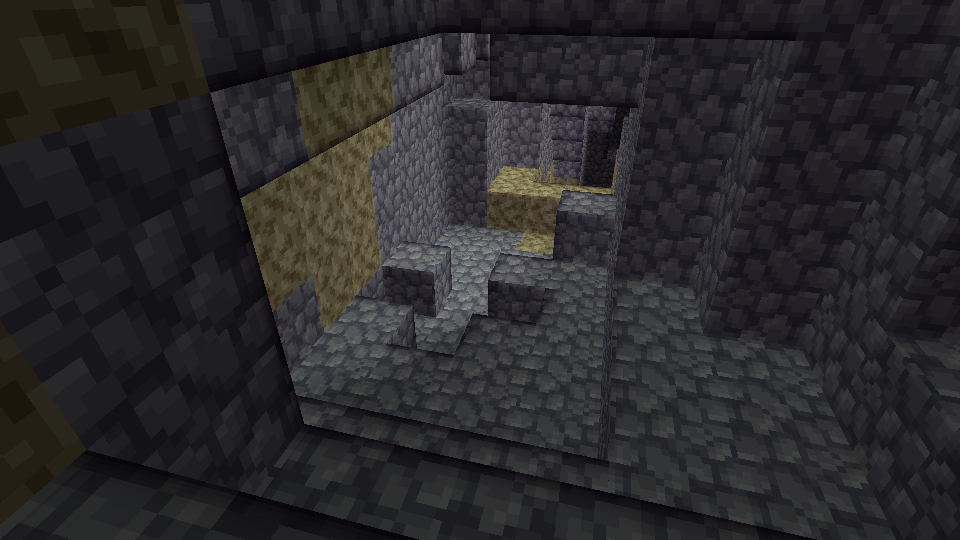
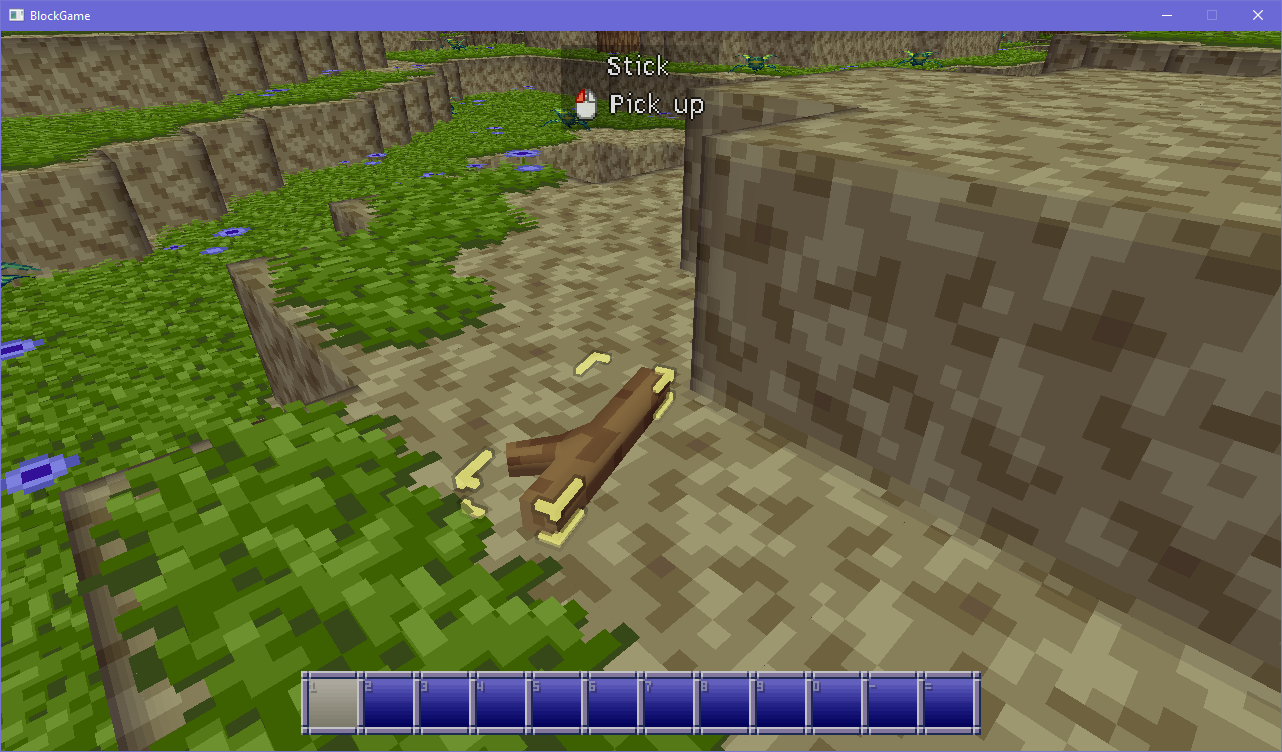
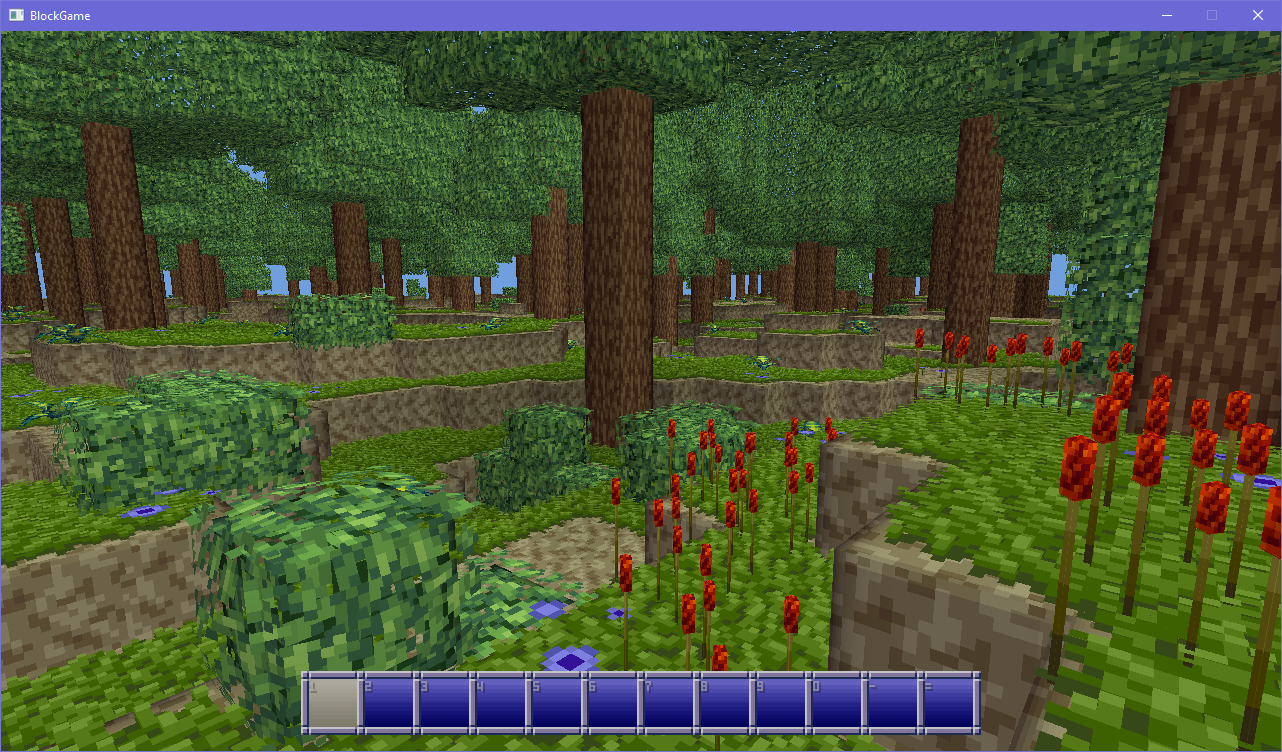
For the past two months I’ve been making a block game and documenting the development on Mastodon and Bluesky, and I asked Bob if I could make a thread about it here too and he said yes so here we are. If you’d like to read the older stuff, you can click on either of the two links above. To kick things off I’m gonna post a couple entries from the FAQ and some screenshots.
What’s a Block Game?
Block Game is a voxel sandbox game with an emphasis on RPG elements and a living world. Think Ultima or The Elder Scrolls meets Minecraft and you’ll have a pretty good idea, with advancement being far more centered on items and crafting.
What do you mean by a living world?
I mean a world that feels like it exists even if it weren’t for the player’s presence. A world that wasn’t created purely to be a playground for the player (even though it obviously is) but one that the player coincidentally inhabits, with lives and stories playing out even if you’re not necessarily there to see them.
I’ve also seen the bluesky thread before and am glad to see this here. My favorite part has been the logs relating to the lighting system; that was much more involved than I thought it would be. Excited to see more!
oh it’s nice to see people here who’re already aware of block game! :D
anyhow, block game’s first crafting gameplay loop is in! \o/ break leaves to get sticks, combine with flamereeds to get torches, place torches to light up the darkness
no particle/emissive textures system yet so the torches look a bit club-like, sorry
Will there be playable instruments? (Nobody asked this but I’m putting this here anyway)
Yes. There will be support for two plaintext music formats: the MML (as seen in Mabinogi and Archeage) and ABC notations (as seen in Lord of the Rings Online, Terraria, and Starbound) which will allow players to craft songs and play musical instruments.
filed under “things block game does that minecraft doesn’t,” it can now handle rotated (oriented) bounding boxes. and also you can now target entities that are lying around the world :3
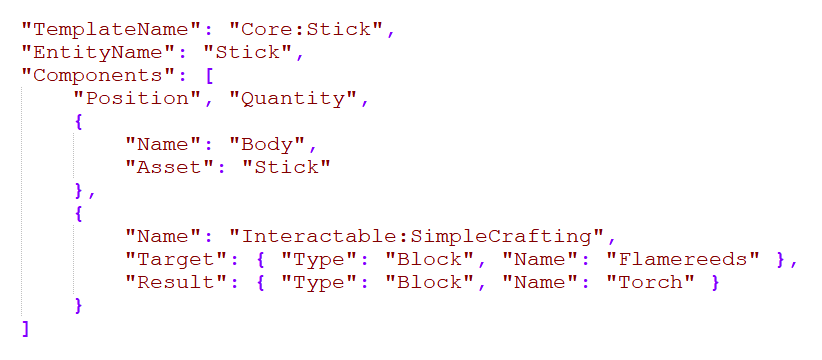
people keep asking about modability and (aside from reskinning the gui) i now have an answer
block game uses an entity component system so i’ve made a json file for entity templates so i can easily create entities. so if nothing else you’ll be able to mod the game by editing this file
This is very cool! I really like the art style. I feel like a lot of voxel sandbox games were too afraid of looking similar to Minecraft for a while so we got a lot of weirdly realistic ones.
Oooo! I’ve been following this project on bluesky as well, lurking I suppose. That input method you’ve got looks really interesting, I’ve been curious to ask
(but haven’t dug through the whole thread to find out) why you went with it. Like, is there a particular gameplay element that works best with that style of aim/selection thing? It’s very unique and I think it sets it way apart from anything I’ve ever played so I’m super curious how it’d feel.
i actually wrote a little bit about that in the faq :D
What’s with the weird mouselook in some of the videos on your dev feed? Will there be standard mouselook?
Block Game has two versions of mouselook. The first is your standard first-person mouselook where moving the mouse moves the camera. The second is a mode where holding down a button and moving the mouse moves the camera, like in many online games like World of Warcraft or City of Heroes, and you can toggle between this mode and standard mouselook at the press of a button.
I intend for players to be able to place down non-block items in the world for decoration or display. Since these items won’t be constrained to the block grid you’ll want to be able to easily drag them around, so it’s nice to be able to just drag and drop them without moving the camera. An additional benefit of this on-demand mouselook is that some people can get motion sickness in games like Minecraft where you must always line up whatever you want to target into the center of your view; with on-demand mouselook you can target different blocks on screen by moving your mouse cursor over them without moving the camera.
being able to drag an item from your inventory onto an arbitrary spot in the world (so not locked to the block grid like item frames for example) and being able to rotate it and decorate your spaces that way is going to be a stand-out feature of the game. for that you really kind of wanna have a cursor that isn’t locked to mouselook. you could do without, but i feel like it’d get real annoying real fast
as far as how it feels to control the game like that, to be honest it feels perfectly natural. i’ve played a ton of MMOs in my time and a ton of them use this same mouselook method. heck, world of warcraft does it, so it can’t really be that bad given how many people used to play that :’D the fact that it helps people with motion sickness is honestly just a really nice side benefit
Ooooh that makes a ton of sense, yeah. I’ve played a ton of WoW so I could definitely see it working, donno if I’ve ever seen it first person like this though that’s definitely the part making it new and interesting to me I guess. Good thought to make a toggle for it also I imagine it might be a little awkward to use that kind of look while wandering around, at least to me though probably still doable.
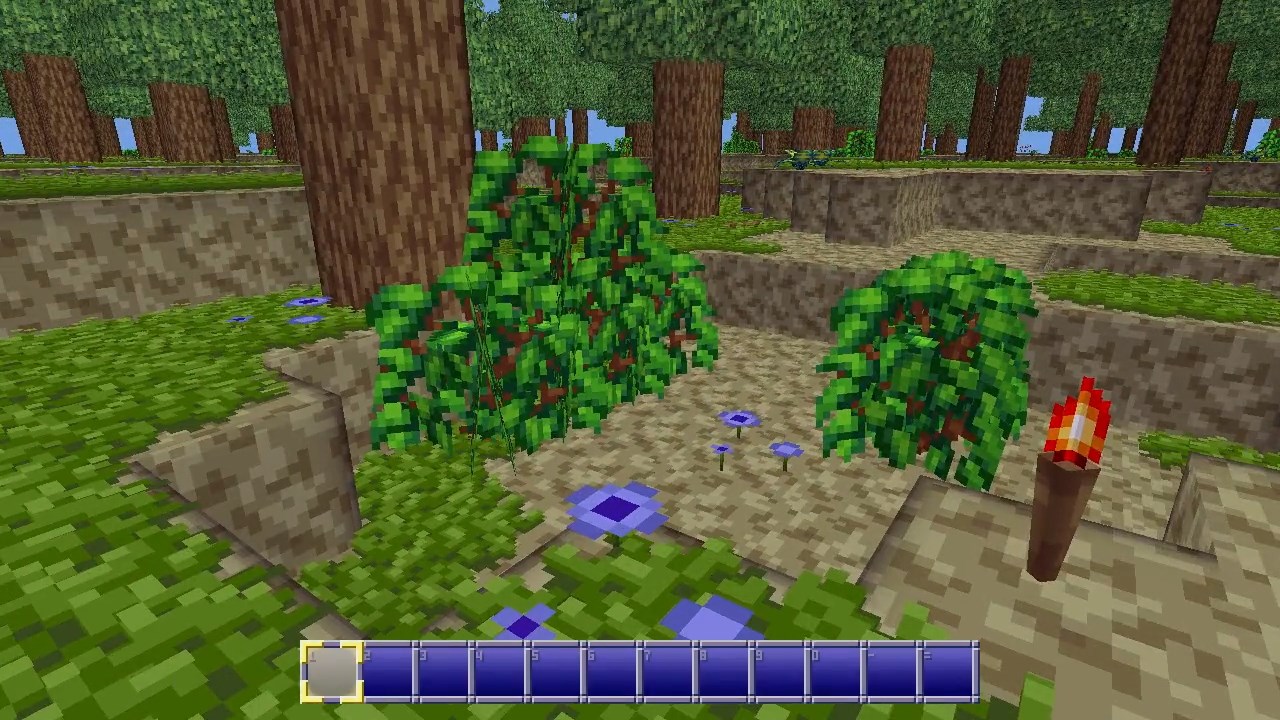
okay i’ve modelled and pixelled bushes that aren’t just leaf blocks and yeah, this is looking nice and lush now! you can also walk through bushes as requested, and you can still break them for sticks for torches. i took a video, but since i can’t embed those yet i’m also uploading a screenshot for y’all
block game’s first tool dropped today, on the 2 month anniversary of starting development! no longer can you punch out tree trunks, now you have to combine flint and a stick to make a flint axe to break trees with